tailwindcss-motion: The Animation Library Behind Every Fade on This Site
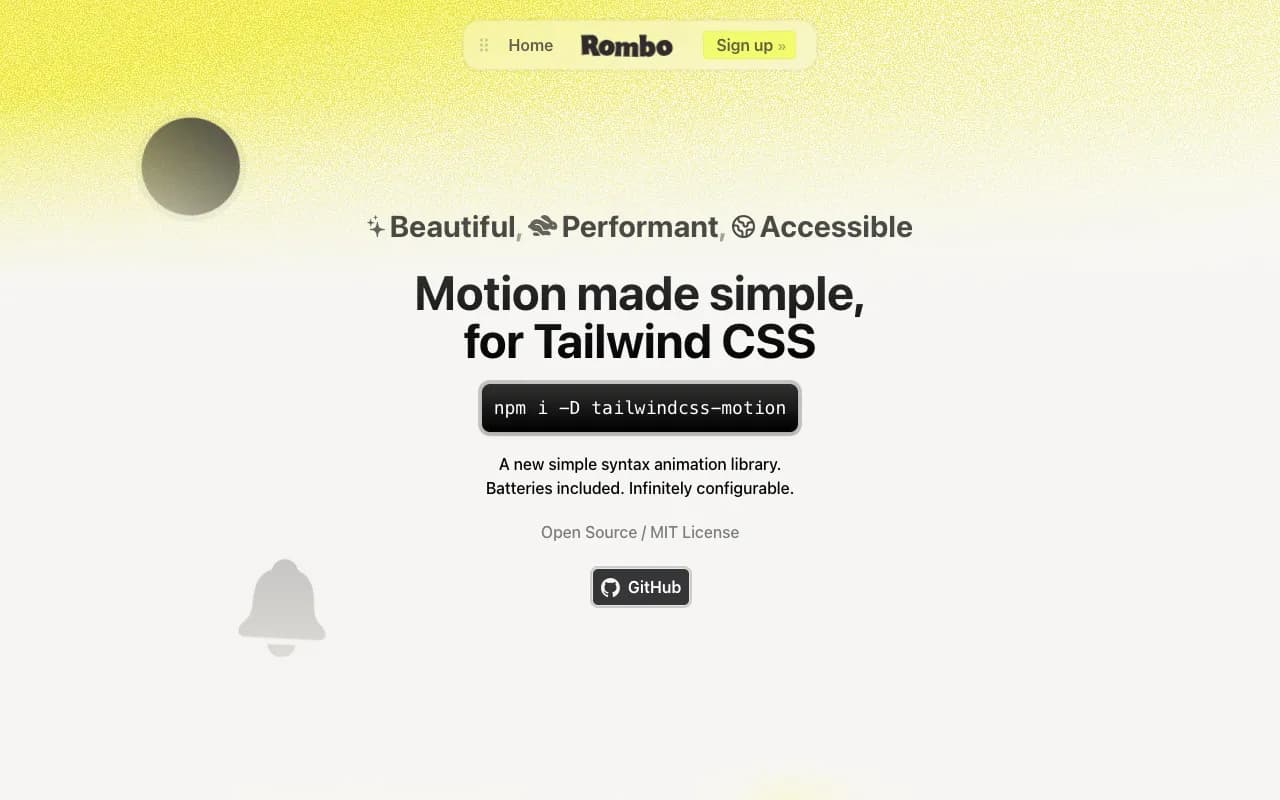
Every fade, slide, and scale on this site runs on tailwindcss-motion, not Framer Motion or GSAP. It's a Tailwind plugin that generates plain CSS @keyframes and exposes them as utility classes — motion-opacity-in-0, motion-translate-y-in-[16px], motion-duration-[500ms]. There's no JavaScript animation engine computing frames at runtime; the class alone plays the animation, the same way any other Tailwind utility just applies a CSS rule.
Why this over a JS animation library, here
Zero JS cost for entrance and hover animations — since it's just a CSS class, a component doesn't need "use client" merely to animate. Framer Motion's motion.div requires a client boundary and ships a runtime; here the parent can stay a Server Component with the animation classes already baked into the markup it renders.
Same design tokens as the rest of Tailwind — motion-duration-[500ms] reads like every other utility, no separate spring/easing config object to keep in sync with the rest of the design system.
Tiny bundle addition — it's CSS, not a JavaScript runtime shipped to every page that uses it.
What you give up
No imperative control — you can't tell an element "animate to this exact value right now" from an event handler beyond toggling classes.
No drag or gesture support.
No real spring physics simulation — the spring-flavored presets approximate the feel, they don't calculate it live frame by frame.
Multi-step, interdependent timelines (this must finish before that starts, chained callbacks, cancel-and-reverse mid-animation) get clunky fast — this is where a JS-driven library actually earns its client-side cost.
The rule of thumb: this is well matched to simple-to-medium work — entrance animations, hover micro-interactions, on-scroll reveals. For a real drag-and-drop board or a physics-driven gesture UI, reach for Framer Motion and accept the client cost; it's solving a genuinely different problem there.
Basic usage — no "use client" anywhere
// This is a plain Server Component.
export function WelcomeCard() {
  return (
    <div className="motion-opacity-in-0 motion-translate-y-in-[16px] motion-duration-[500ms] motion-ease-spring-smooth rounded-xl border p-6">
      <h3 className="font-semibold">Welcome</h3>
      <p className="text-muted-foreground text-sm">
        This fades and slides in on load, with zero JavaScript.
      </p>
    </div>
  );
}
Scroll-triggered animations — the part it doesn't do for you
tailwindcss-motion only knows about class presence; it has no idea when an element scrolls into view. That's why this site pairs it with a small client wrapper that uses IntersectionObserver to flip the animation classes on once the element is actually visible — the same Reveal component used across every section here.
"use client";
import { useEffect, useRef, useState, type ReactNode } from "react";

export function Reveal({
  children,
  animation,
  threshold = 0.15,
}: {
  children: ReactNode;
  animation: string;
  threshold?: number;
}) {
  const ref = useRef<HTMLDivElement>(null);
  const [visible, setVisible] = useState(false);

  useEffect(() => {
    const el = ref.current;
    if (!el) return;

    const observer = new IntersectionObserver(
      ([entry]) => {
        if (entry.isIntersecting) {
          setVisible(true);
          observer.unobserve(el);
        }
      },
      { threshold }
    );

    observer.observe(el);
    return () => observer.disconnect();
  }, [threshold]);

  return <div className={visible ? animation : "opacity-0"}>{children}</div>;
}<Reveal animation="motion-opacity-in-0 motion-translate-y-in-[24px] motion-duration-[600ms]">
<ProjectCard project={project} />
</Reveal>Only this wrapper needs "use client". ProjectCard itself, and everything it renders, can stay a Server Component — Reveal just toggles a className on a div that wraps it, it doesn't need to know anything about what's inside.
More posts

Authentication with better-auth in Next.js: A First-Hand Setup
The exact setup behind this site's own admin login: server config, the Next.js catch-all route handler, the client, and the two-layer middleware + layout protection that actually secures /admin.

Recharts in Next.js + Tailwind: Theming and Custom Styling
Making Recharts feel native to a Tailwind design system: correct Client Component boundaries, wiring colors to CSS variables for automatic dark mode, custom tooltips/legends, and handling RTL locales.