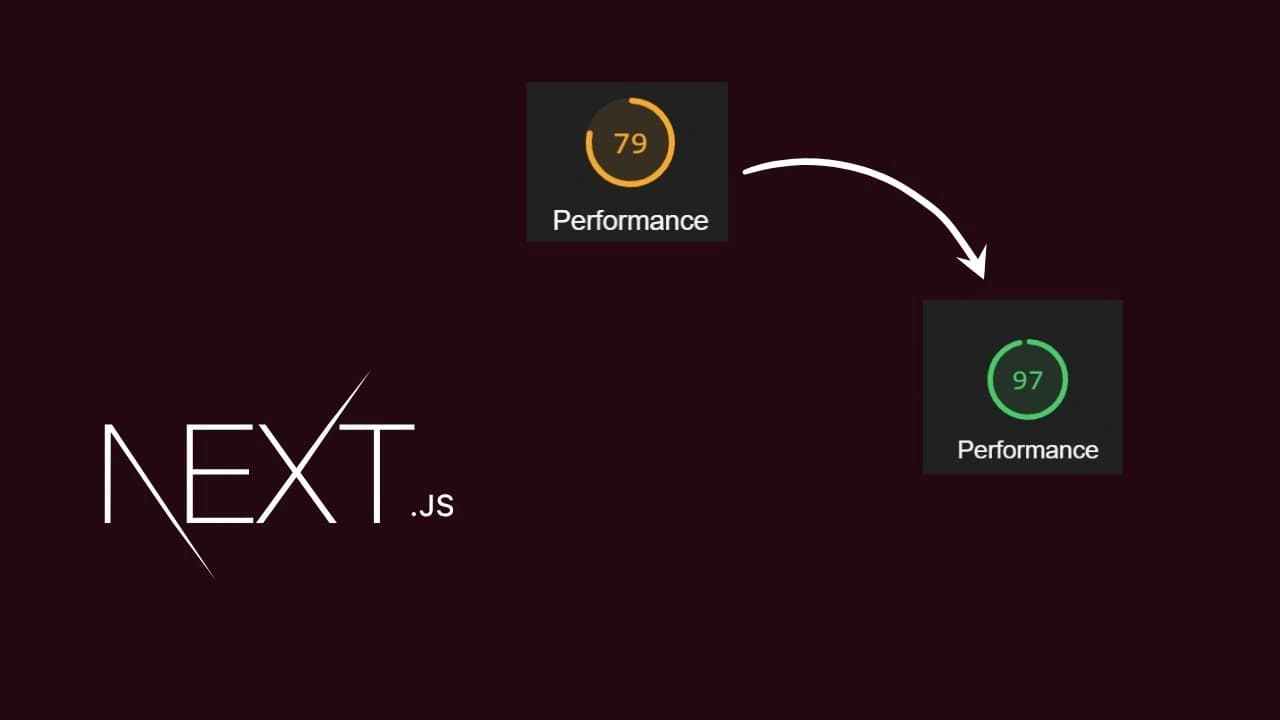
Most Next.js performance work isn't clever — it's a checklist. Here's the one that actually moves the needle, roughly in order of effort-to-payoff.
1. Images and fonts — the guaranteed wins
next/image serves AVIF/WebP automatically and won't cause layout shift as long as width/height (or fill + a sized parent) are set — this alone usually fixes CLS.
next/font self-hosts the font file and injects it at build time, so there's no render-blocking request to a font CDN and no swap-triggered layout shift.
2. Default to static, opt into dynamic
Render statically with ISR wherever the data isn't request-specific, and only reach for fully dynamic rendering when a page genuinely needs per-request data (auth state, personalization). A blog post or project page almost never needs to be dynamic.
export const revalidate = 3600; // regenerate at most once an hour

export async function generateStaticParams() {
  const posts = await postRepository.findAllPublished();
  return posts.map((post) => ({ slug: post.slug }));
}
3. Stream slow, non-critical data with Suspense
Wrap anything that's slow and not needed for the initial paint in its own Suspense boundary with a lightweight fallback, so the rest of the page ships immediately instead of waiting on the slowest query.
<Suspense fallback={<CommentsSkeleton />}>
  <Comments postId={post.id} />
</Suspense>
4. Fetch in parallel, not in sequence
// Slow — the second fetch waits for the first to finish for no reason.
const project = await getProject(slug);
const related = await getRelatedProjects(project.tags);

// Fast — both requests fire at the same time.
const [project, allProjects] = await Promise.all([getProject(slug), getAllProjects()]);
const related = allProjects.filter((p) => p.tags.some((t) => project.tags.includes(t)));
5. Keep the client bundle small
Push "use client" as far down the tree as possible — a page can be 95% Server Components with one small interactive leaf; don't mark a whole page or layout client just because one button needs an onClick.
Lazy-load heavy, below-the-fold client components (charts, rich text editors, modals) with next/dynamic so their JS isn't in the initial bundle.
Import icons and utilities by name from libraries that support it, and set experimental.optimizePackageImports in next.config for the ones that don't tree-shake cleanly on their own.
6. Cache and dedupe reads
fetch() is automatically memoized per request in the App Router. For anything that doesn't go through fetch — an ORM call, a direct DB query — wrap it in React's cache() to get the same per-request deduplication, so five Server Components asking for the same project only hit the database once.
import { cache } from "react";

export const getProject = cache(async (slug: string) => {
  return prisma.project.findUnique({ where: { slug } });
});
7. Measure before optimizing
Read the route sizes in the next build output, run @next/bundle-analyzer when something feels heavy, and check real Core Web Vitals (LCP, INP, CLS) rather than guessing. Optimizing a route that's already fast wastes time that a genuinely slow one needed.
More posts

Authentication with better-auth in Next.js: A First-Hand Setup
The exact setup behind this site's own admin login: server config, the Next.js catch-all route handler, the client, and the two-layer middleware + layout protection that actually secures /admin.
Recharts in Next.js + Tailwind: Theming and Custom Styling
Making Recharts feel native to a Tailwind design system: correct Client Component boundaries, wiring colors to CSS variables for automatic dark mode, custom tooltips/legends, and handling RTL locales.