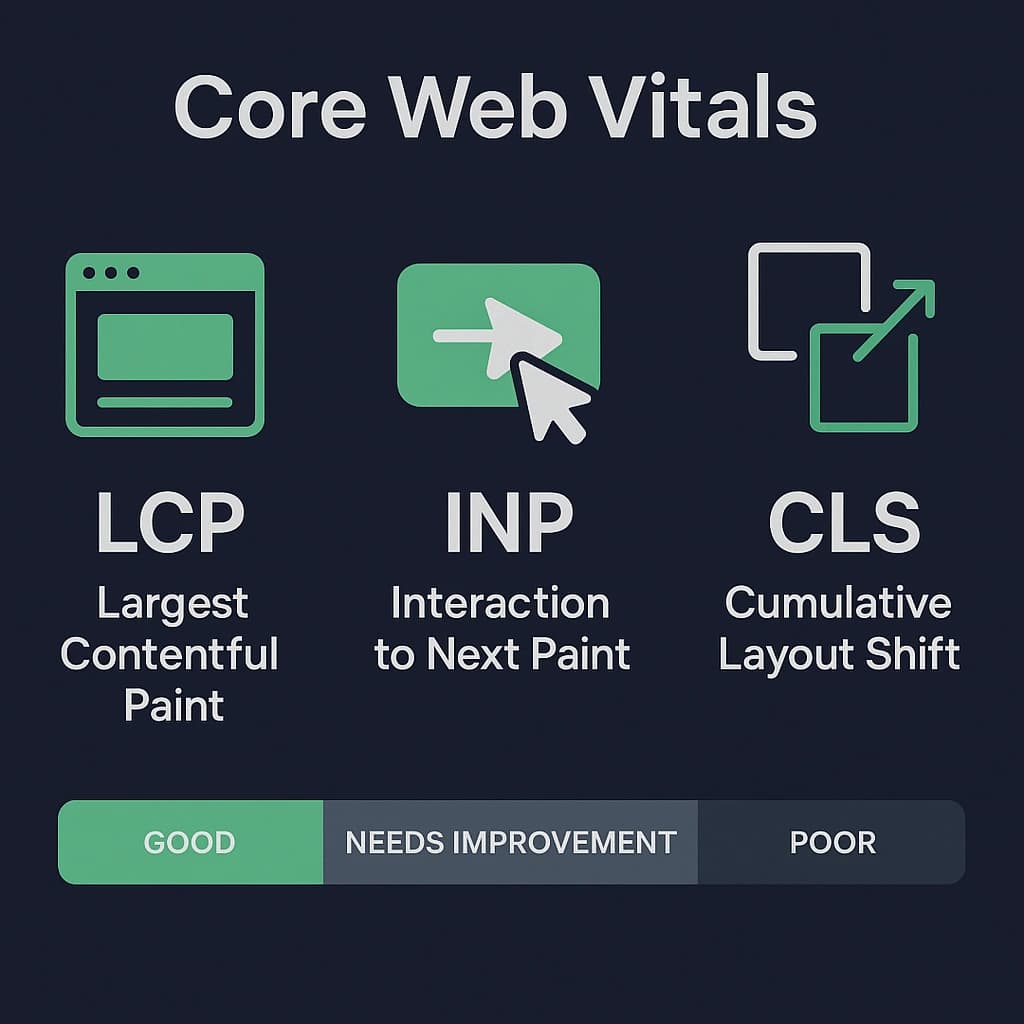
Core Web Vitals stopped being a "nice to have" the moment they became a Google ranking signal — but the real reason to care is simpler: they roughly measure whether your site feels fast to an actual human. Next.js ships a lot of the tooling to fix them; you still have to point it correctly.
The three metrics, briefly
LCP (Largest Contentful Paint) — how long until the biggest visible element (usually a hero image or heading) renders. Target: under 2.5s.
INP (Interaction to Next Paint) — how responsive the page feels to clicks/taps/keypresses, replacing FID in 2024. Target: under 200ms.
CLS (Cumulative Layout Shift) — how much content jumps around as things load. Target: under 0.1.
Fixing LCP
The two biggest levers in Next.js are next/image and next/font.
import Image from "next/image";

// priority skips lazy-loading for above-the-fold images — use it on the LCP
// element specifically, not everywhere (that defeats the point).
<Image src="/hero.jpg" alt="" width={1200} height={630} priority />
next/image also auto-generates responsive srcset and serves modern formats (AVIF/WebP), so the browser downloads a file sized for the actual viewport, not a 4000px original.
import { Inter } from "next/font/google";

// next/font self-hosts the font file and inlines the @font-face — no request
// to Google's CDN, no render-blocking, no layout shift on font swap.
const inter = Inter({ subsets: ["latin"], display: "swap" });
Fixing INP
INP usually comes down to one of two things: too much JavaScript running on the main thread, or a slow effect firing on every keystroke.
Split large client components with next/dynamic so their JS isn't in the initial bundle.
Keep expensive components as Server Components by default — App Router already pushes you this way; resist adding "use client" unless the component actually needs interactivity.
Debounce or defer non-critical work triggered by input (search-as-you-type, analytics) instead of running it synchronously on every keystroke.
const HeavyChart = dynamic(() => import("./heavy-chart"), {
  loading: () => <ChartSkeleton />,
  ssr: false, // if it only makes sense client-side (e.g. reads window)
});
Fixing CLS
Always set width/height (or use fill with a sized parent) on next/image — it reserves the space before the image loads.
Reserve space for ads, embeds, and anything loaded async with a fixed-size skeleton instead of letting it pop in.
Avoid inserting content above existing content (e.g. a "cookie banner" that isn't position: fixed) — that's the classic CLS offender.
Rendering strategy is a performance decision too
Static generation (the default for pages with no dynamic data access) and ISR (revalidate) give you CDN-cached HTML — the fastest possible LCP, because there's no server round-trip at all. Reach for full dynamic rendering only for genuinely per-request content.
// Statically generated, revalidated in the background every hour
export const revalidate = 3600;

export default async function BlogPage() {
  const posts = await getPosts(); // ran at build time, then every 3600s
  return <PostList posts={posts} />;
}
For content that must be dynamic (a dashboard, a logged-in view), use Suspense boundaries so the static shell paints immediately and the dynamic parts stream in — that alone can take a page from a multi-second blank screen to an instant, mostly-interactive shell.
Measuring it for real
Lighthouse / PageSpeed Insights for lab data during development.
The web-vitals library, reporting real user metrics (RUM) — lab data can look great and still miss what real devices/networks experience.
Vercel Analytics or a similar RUM tool in production, so regressions show up as data, not as a vague feeling that "it got slower."
Optimize for the metric that reflects a real user waiting, not for a Lighthouse score in isolation — the two usually agree, but when they don't, trust the real users.
More posts

Authentication with better-auth in Next.js: A First-Hand Setup
The exact setup behind this site's own admin login: server config, the Next.js catch-all route handler, the client, and the two-layer middleware + layout protection that actually secures /admin.
Recharts in Next.js + Tailwind: Theming and Custom Styling
Making Recharts feel native to a Tailwind design system: correct Client Component boundaries, wiring colors to CSS variables for automatic dark mode, custom tooltips/legends, and handling RTL locales.